Drop it in.
Docsi does the rest.
Docsi lives at the top of your screen. Hand him a lecture, a spreadsheet or a whole browser window – and get a finished, designed PDF, Word or Excel file back. AI included, no setup.
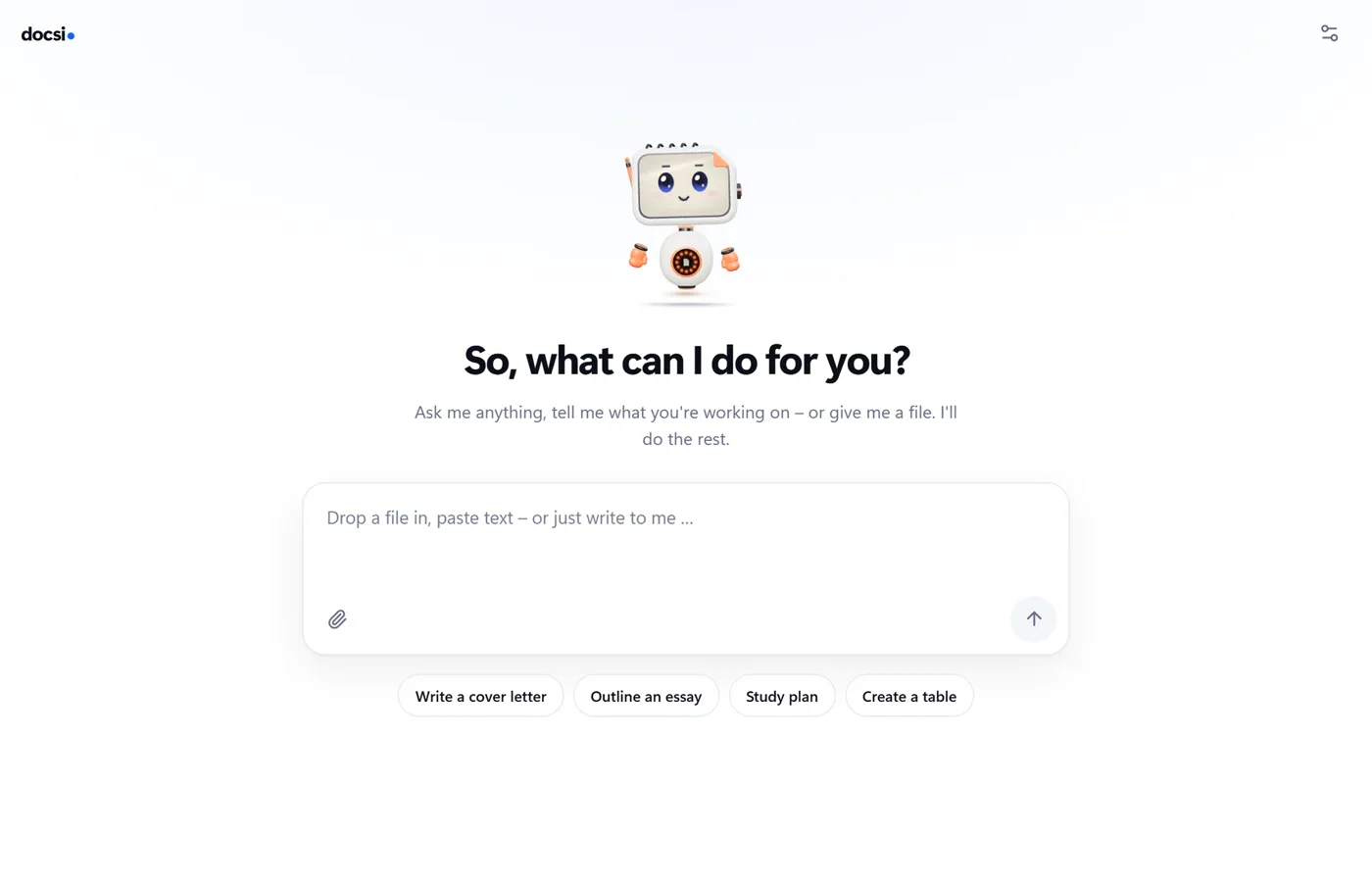
Docsi in one minute.
Lecture PDF in, study sheet out. Raw Excel data in, analysis with a chart out. And in between, merge PDFs offline.
Three steps. One finished file.
Drop it in
Files, whole windows from your browser or notes, copied text – or simply a question.
Say what you need
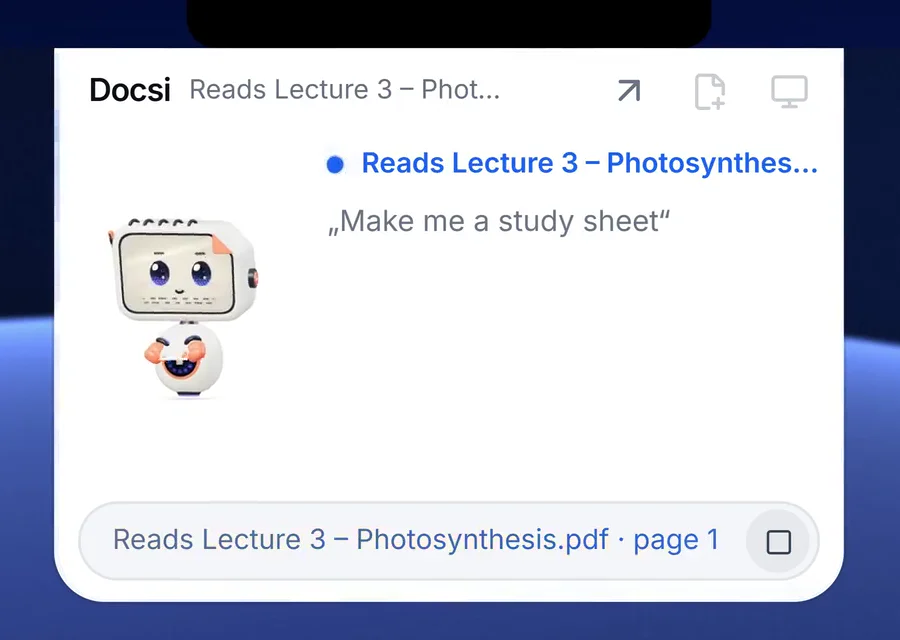
“Make me a study sheet”, “Analyse this table”, “Sum it up on one page”.
Done
Docsi hands back a clean file – as PDF, Word, Excel or Markdown, with sources and page numbers.
Looks like hard work. Wasn’t.
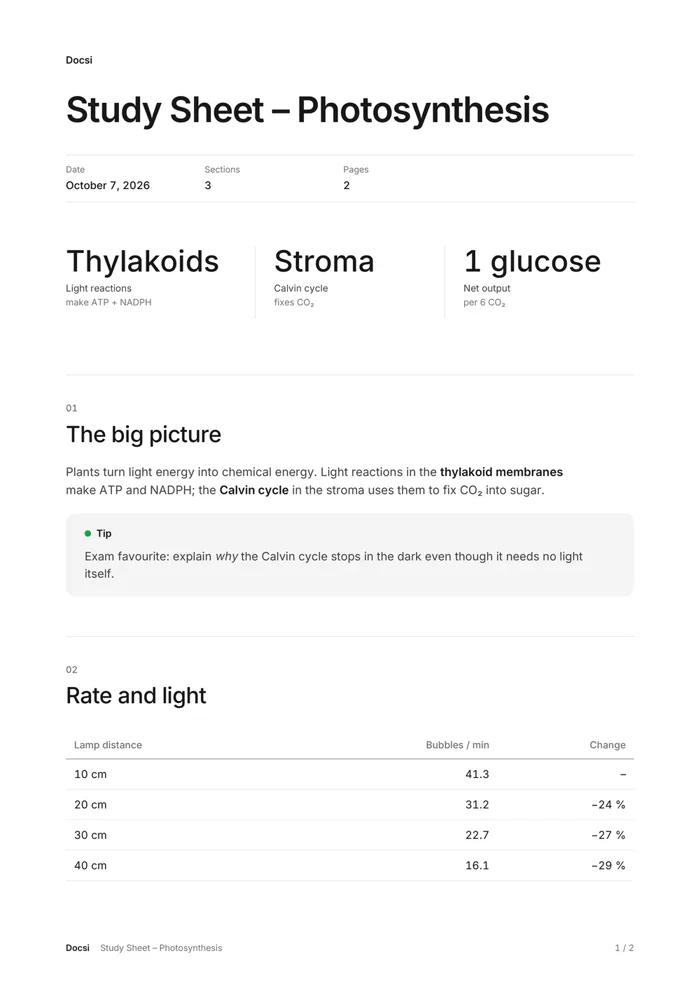
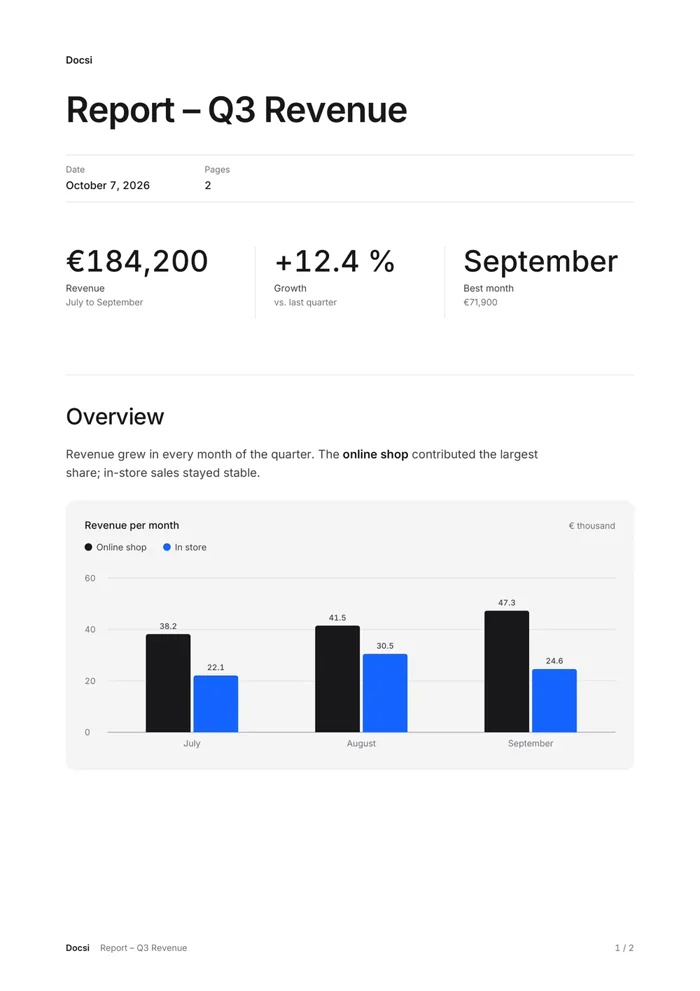
Study sheets, reports, analyses, flashcards: Docsi lays out key figures, tables and charts so you can hand them in, print them or send them on right away.
- Word and Excel files stay fully editable – charts included
- Sources with page numbers from your own files
- Merge and convert PDFs – offline
At the top of your screen. Never in the way.
Docsi is a slim bar at the top edge of your screen – right under the notch on a Mac. Move your mouse over it and he’s there. Drag a file or a whole window onto him – Docsi reads it right on your computer.
- Drag in windows: browser, notes, PDF viewer
- Text recognition for scans and photos – local
- Quick answers right in the widget

What Docsi can do.
Study sheets & summaries
From lecture notes, books and handouts – with key figures, tips and takeaways.
Reports with charts
Analyse tables, calculate averages and shares, add real charts.
Word & Excel stay editable
Native charts, clean tables, embedded fonts.
Merge & convert PDFs
Offline on your computer – no AI and no credits needed.
Powered by Claude from Anthropic.
Docsi AI runs on Anthropic’s Claude models – no key of your own, no setup. Local tools never leave your computer, and for AI tasks only the content the task needs is sent.
- Converting, merging and OCR stay on your device
- Encrypted transfer through Docsi’s server
- Not used to train AI models
Trusted by thousands.
From €9.99 a month.
Two plans, every feature included, 3 days free. Cancel any month.
Good questions. Short answers.
Which AI powers Docsi?
Docsi AI runs on Anthropic’s Claude models. If you prefer, you can connect an AI of your own in the settings instead – with your own key, or locally through Ollama.
How does the free trial work?
Your subscription starts with a free 3-day trial with 150 credits; you add a payment method for it. Nothing is charged until the trial ends. Cancel before, and you pay nothing.
Which data leaves my computer?
Your files stay on your computer. Only when you start an AI task, the content it needs travels encrypted through our server to Anthropic’s Claude models. We do not store that content – only how many credits were used. Details on the AI & privacy page and in the privacy policy.
Which systems are supported?
Windows 10 and 11 (64-bit) and macOS 14 Sonoma or later on Macs with Apple silicon.

Ready for less busywork?
Try Docsi free for 3 days. Cancel before, and you pay nothing.